If your home printing is mostly forms, instructions, and black-and-white paperwork, a monochrome laser printer deserves a focused shortlist. Start by deciding whether you truly need printing alone, because the three models here do not include a scanner or copier.
The Brother HL-L2460DW, Canon imageCLASS LBP172dw, and HP LaserJet M209dw all offer automatic two-sided printing, with differences in paper handling and supply planning. These are research-based picks from manufacturer documents and exact Amazon listings, not machines we have independently tested.
Choose for your paperwork routine
Use this shortlist if you want ordinary document printing and can handle scanning separately. If you regularly copy signed forms or scan a stack of originals, compare an all-in-one before buying a print-only machine and later discovering the missing function.
For these three models, concentrate on tray capacity, connection requirements, compatible supplies, and the space needed while printing. A small difference in a manufacturer’s rated page speed should not make the decision for a short household document.
Check current software support for your own computer or phone before ordering, including any required application or setup process. A list of connection types does not establish that every function works on every operating-system version.

| Exact model | Document handling | Reason to compare it |
|---|---|---|
| Brother HL-L2460DW | 250-sheet tray; automatic duplex | Document-focused option with separate toner and drum supplies |
| Canon imageCLASS LBP172dw | 250-sheet cassette; automatic duplex | Alternative using Canon Toner072 supplies |
| HP LaserJet M209dw | 150-sheet input tray; automatic duplex | Alternative when the smaller paper load fits your routine |
Brother HL-L2460DW: compare for a recurring document stack

The HL-L2460DW is the straightforward first comparison if you want a 250-sheet paper tray and several connection routes. Brother documents dual-band wireless, Ethernet, USB, automatic duplex printing, and a manual feed slot for supported specialty media.
Brother rates its Letter printing speed at up to 36 pages per minute under the stated conditions. Treat that as a manufacturer specification rather than a measured prediction for your own file, network, or first page.
Supply planning needs two lines in your notebook: compatible toner and the separate DR830 drum. Brother lists TN830-family toner options, so identify the exact replacement and declared yield rather than assuming the included starter supply matches a retail cartridge.
That separate drum is a consideration to understand before purchase, not evidence that ownership will necessarily cost more or less than another printer. Use current supply prices and your own workload if you want a meaningful cost comparison.
The linked Amazon item was the new black HL-L2460DW in its printer-only configuration when inspected. Recheck the selected package before checkout because renewed units and toner bundles appear alongside it.
Check Brother HL-L2460DW on AmazonCanon imageCLASS LBP172dw: compare the Canon supply route

The LBP172dw gives you another print-only, automatic-duplex option with a 250-sheet standard cassette. Canon lists standard and high-capacity Toner072 supplies, which gives you a specific replacement family to investigate before choosing it.
Canon’s rated Letter speed is up to 35 pages per minute, subject to its stated conditions. The one-page-per-minute difference from Brother’s headline figure is not enough to establish which will feel faster for your household’s short print jobs.
Compare the current replacement-supply price, package contents, software support, and local availability with the Brother rather than choosing by brand familiarity alone. You want a route you can maintain when the first included supply is used.
Check the exact model name carefully when browsing: the LBP172dw is different from the older LBP122dw. A review or supply listing for a similar name is not a reliable substitute for the current model’s own documentation.
The inspected Amazon selection was the white LBP172dw, described as the 35-ppm printer. Confirm that selection remains the intended new printer rather than a related product or a different bundle.
Check Canon LBP172dw on AmazonHP LaserJet M209dw: compare for a smaller paper load
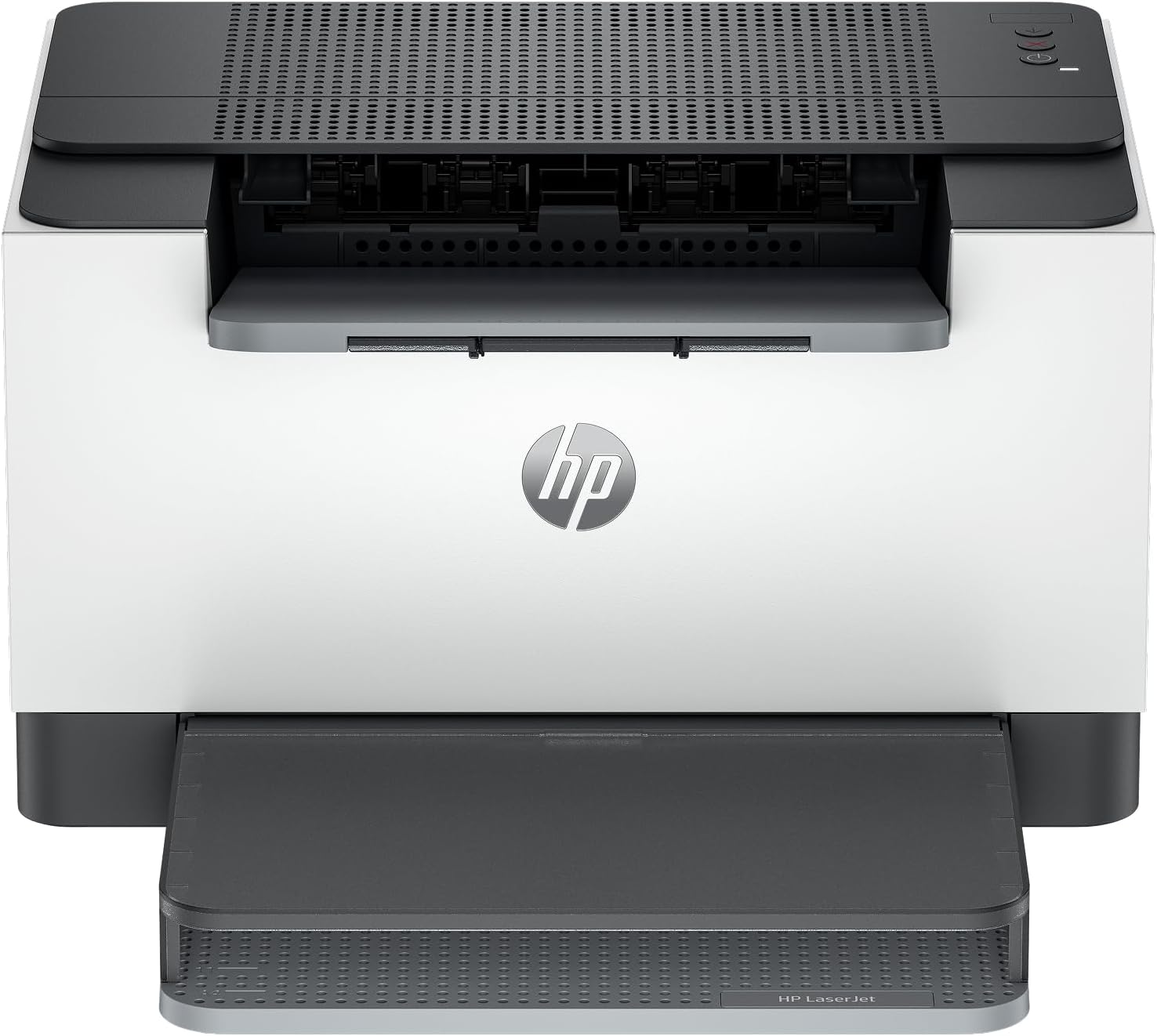
The M209dw belongs on your comparison if a 150-sheet input tray is enough for the documents you normally keep loaded. HP’s specifications confirm automatic duplex printing and USB, Ethernet, and dual-band wireless connectivity.
HP rates normal black printing at up to 30 pages per minute and notes that exact speed depends on the system, software, driver, and document. Use that qualification rather than treating the figure as a guarantee of a completed job’s timing.
The smaller paper capacity can be an acceptable trade-off if you load modest batches, but it means more frequent refills for the same long run. Think about your largest ordinary packet before deciding that the smaller load will never matter.
Check the exact regional model and compatible supplies through HP’s support information, along with current software and cartridge requirements. Keep the purchase tied to the M209dw rather than assuming an M209dwe or another suffix has identical terms.
The inspected Amazon selection was the gray M209dw with Wireless selected. Recheck that configuration and the seller’s included items before ordering, since a style selector also offers a wired alternative.
Check HP M209dw on AmazonCheck working space and supplies before buying
Measure the intended location with room for paper loading, output, cables, and the access covers identified in the manual. A closed-case measurement alone does not show whether you can comfortably refill the tray or retrieve a finished stack.

Price the machine and the supplies you would actually buy, distinguishing starter contents from replacement yields. Include separately documented consumables rather than presenting a toner-only calculation as the entire cost of ownership.
Choose the Brother or Canon when the 250-sheet document setup and its supply route fit your needs, or compare the HP when its 150-sheet setup is sufficient. If you need color, copying, or scanning from the same machine, change the shortlist before placing the order.
Describe a normal week before comparing offers
Write down the jobs you expect to repeat: a two-page return form, a packet of instructions, or a longer set of household records. This gives you a concrete way to decide whether a large paper tray, automatic duplex printing, or a particular connection actually matters.
For example, a fictional household printing four short forms each month has a different routine from one producing weekly study packets. Neither needs to buy around an advertised maximum monthly figure simply because that number looks impressive in a listing.
List the devices that will send those jobs, including the one used by another person in your household. Before buying, follow the manufacturer’s current compatibility information for those devices instead of assuming a wireless logo makes setup identical everywhere.
Decide where originals will be scanned if you choose a print-only machine, and whether that separate arrangement is convenient. A phone capture may suit one occasional document, while another task may require the scanner and file workflow you already use.
Compare a real supply basket
Make a small worksheet containing the exact printer, included supplies, compatible replacement toner, and any separately documented imaging component. Leave a blank for the current price rather than copying a temporary offer into a long-term ownership estimate.
Declared cartridge yields use defined test conditions and will not predict the number of your own pages perfectly. A page of dense instructions and a short form are different workloads, so record the assumption whenever you estimate a running cost.
For a clearly invented calculation, dividing a $60 replacement by a declared 1,200-page yield gives five cents per declared page for that replacement alone. That example excludes the printer, other consumables, paper, shipping, taxes, and differences between the test and your documents.
Compare that calculation with the same boundaries for each candidate, including a separate drum where documented. If one worksheet includes more costs than another, the resulting numbers do not establish which printer is cheaper to own.
Before checkout, match the cart’s model suffix, condition, package, and seller description to the machine you researched. Save the exact model name for later supply searches so a similar-looking result does not lead you to an incompatible replacement.
When comparing two offers, also check whether the included cable, starter supply, or accessory list differs. A bundle name alone does not establish that it contains an item you actually need.